

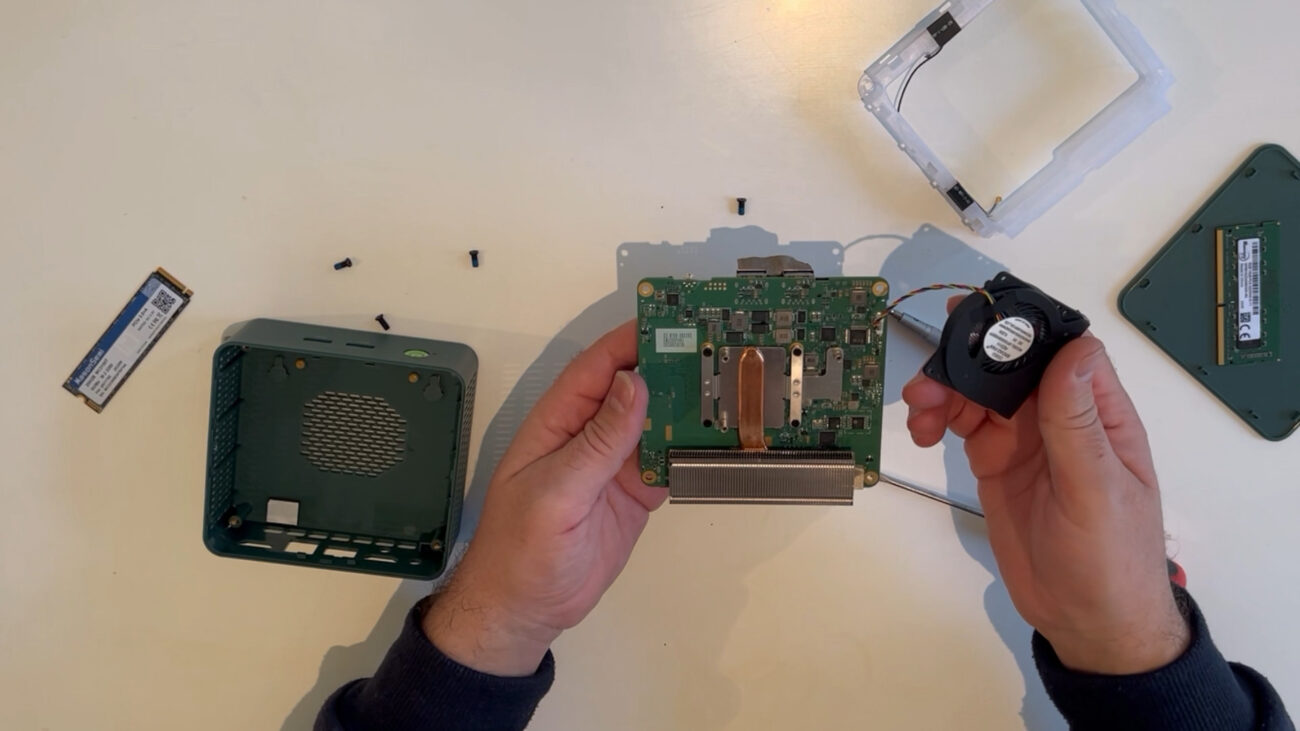
1 Removing the Case Cover
Cover: On this Mini-PCI model, the cover is located on top. It is not screwed in but held by plastic clips and can be easily removed by hand.
Remove: Remove the top cover by hand, as shown in the video.
2. Removing the Components
DDR4 RAM: Locate the SODIMM slot. Push the two metal clips on the sides outward. The RAM module will pop out at a 45-degree angle. Carefully pull it out.
M.2 SSD: Locate the M.2 NVMe/SATA slot. Loosen the single retaining screw at the end of the SSD. The SSD will lift slightly; pull it straight out of the slot.
More details on the website: PCMasterX.COM
