

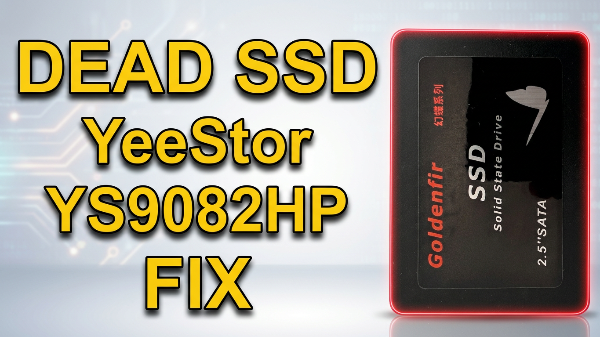
How to Fix Corrupted Firmware on a YeeStor YS9082HP SSD Controller. Is your SSD completely unresponsive, showing the wrong capacity, or locked in a bricked state? A corrupted firmware is often the culprit behind a seemingly dead solid-state drive.
In this comprehensive guide, we will walk you through the process of resetting and reflashing the firmware on a YeeStor YS9082HP controller. For this demonstration, we are using a Goldenfir D800 480GB SSD, which comes equipped with this specific YeeStor controller.
This video shows: In this video, I will show you how to reset and re-flash the firmware on a YeeStor YS9082HP SSD Controller.
Prerequisites & Tools Needed
Before getting started, make sure you have the following hardware ready:
- A USB-to-SATA adapter to safely connect the open SSD to your computer.
- A jumper (or a pair of metal tweezers) to short the ROM pins.
- The correct MPTool software matching your exact controller and NAND flash memory.
⚠️ CRITICAL WARNING: This mass production flashing procedure will permanently erase all data on your SSD. Ensure you have accepted this data loss before moving forward.
More details on the website: PCMasterX.COM
