

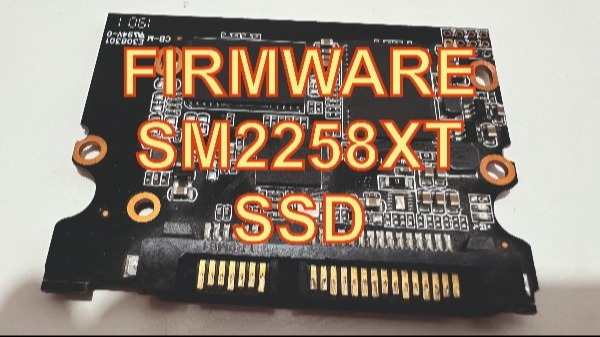
Guide: Firmware Recovery for SM2258XT SSD Controllers
This video shows: How to flash the firmware on the Silicon Motion SM2258XT controller ssd.
Warning: This process involves a “Factory Reset” of the controller. All data on the SSD will be permanently erased.
Phase 1: Hardware Preparation
Enter ROM Mode: Locate the two jumper pads (Service Mode) on the SSD PCB. Use a conductive tool or jumper wire to bridge these pads.
Connect the Drive: While maintaining the bridge, connect the SSD to your computer. (An eSATA or direct SATA connection is recommended over USB for stability).
Verify Connection: Open Disk Management or Device Manager to ensure the drive is recognized as a generic “SMI Factory” device or similar.
Phase 2: Identifying the NAND Flash … More details on the website: PCMasterX.COM
